

Overview
You can customize the Accessibility Widget to match your store’s branding and layout. The customization panel lets you change the colour, icon, position, and language of the widget. A live preview updates as you make changes.Customization interface
The customization page shows all options on the left and a live preview on the right. You can switch between desktop and mobile views to see how the widget looks on different devices.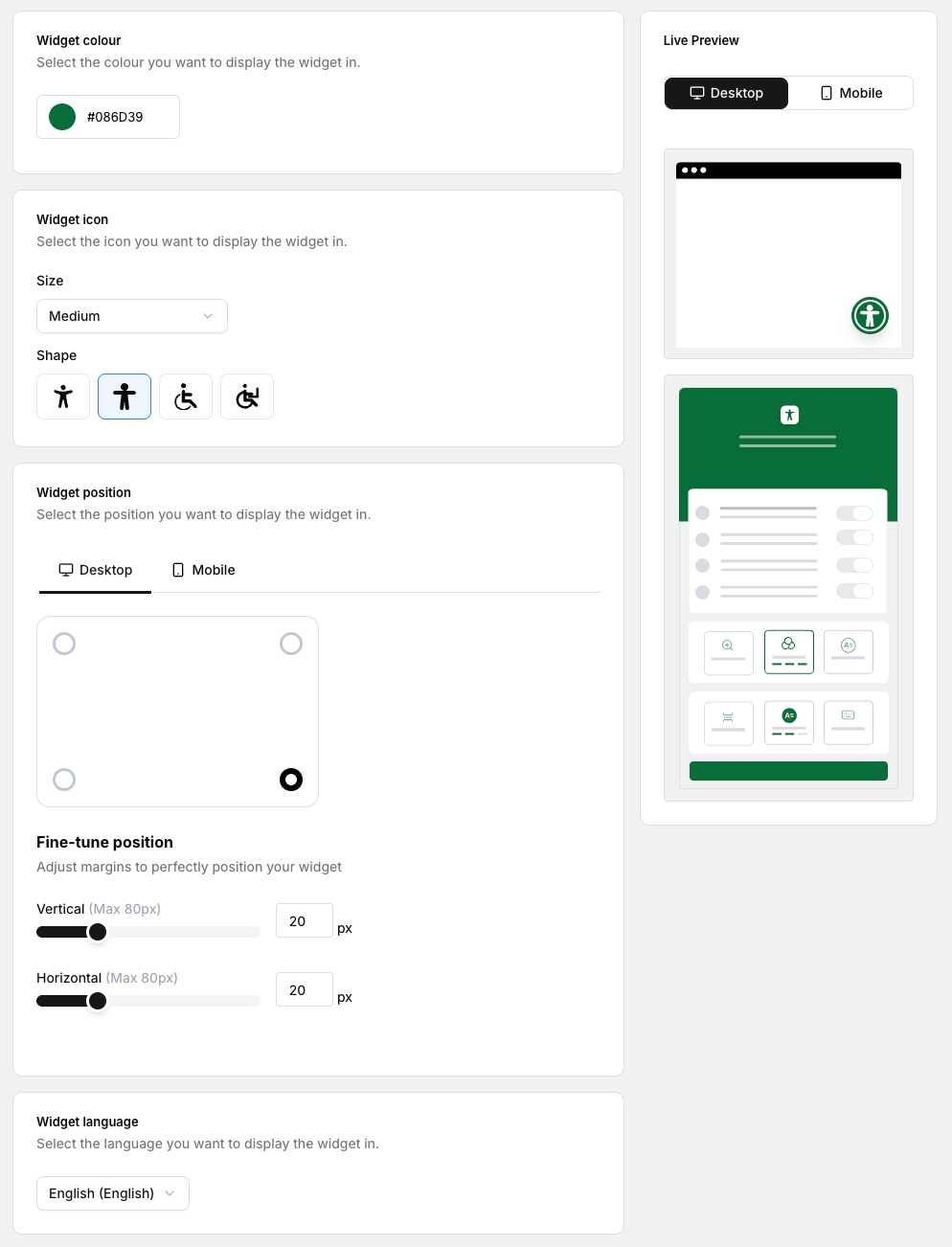
Options at a glance
Colour options
Select the primary colour for the widget.
Icon options
Choose the icon size and shape.
Position controls
Set where the widget appears on desktop and mobile.
Language options
Select the language for the widget interface.